
Skip links

Incident Reporting

Margin Resolve makes it easy to report incidents and near-misses on-site, attach evidence, assign ownership, and close the loop with a complete audit trail.

What is Incident Reporting?

One place to record, manage, and resolve incidents

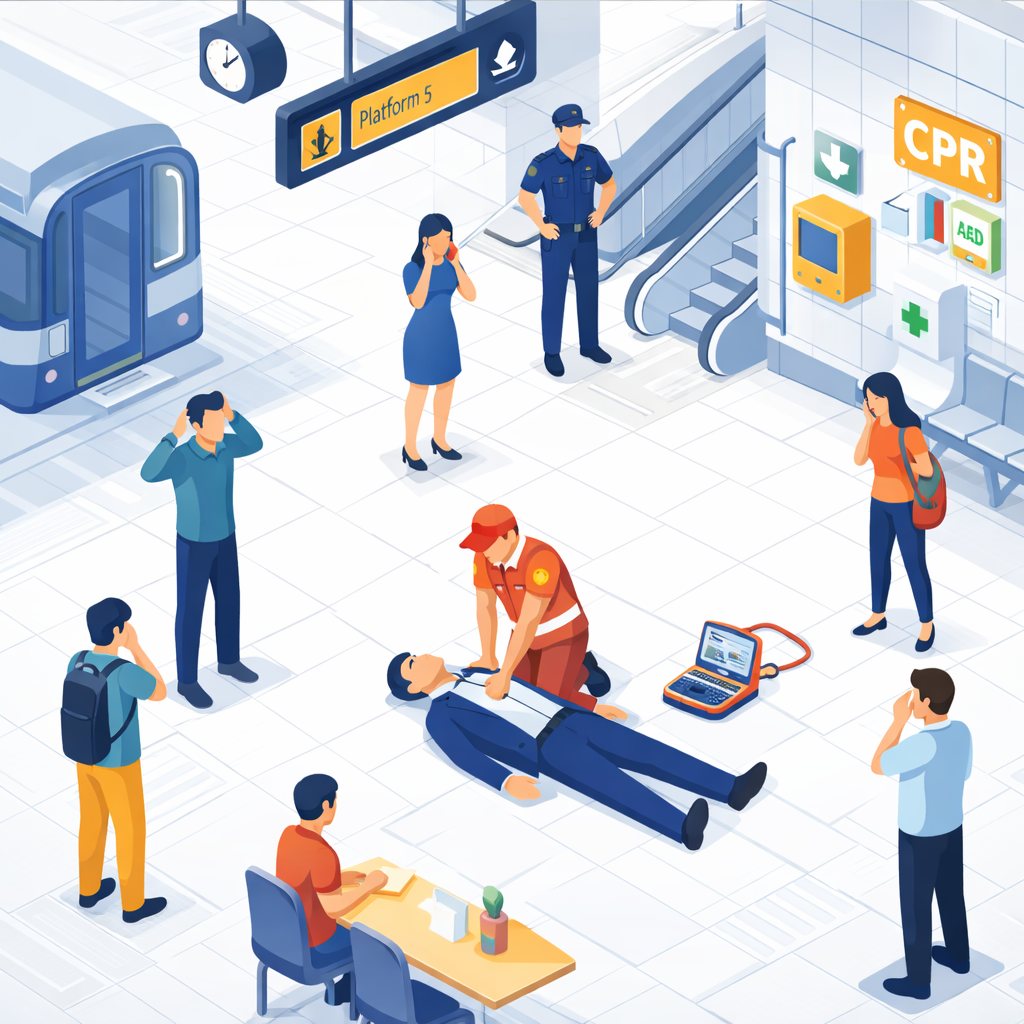
Whether it’s a safety incident, near-miss, customer complaint, damage, security issue, or operational disruption—Margin Resolve keeps reporting and resolution in one workflow.

Instead of scattered emails and incomplete notes, every incident stays organised with evidence, status, ownership, and a clear history.

Core capabilities

Report incidents quickly on-site

Make reporting easy for teams—so incidents are recorded while details are fresh.

Includes:
• Simple incident forms that work on all devices
• Clear categorisation (type, location, severity etc.)
• Attachments and evidence at the time of reporting

Capture evidence and context

Get a complete picture of what happened—without chasing details later.

Includes:
• Photo evidence and supporting notes
• Timestamps and site/location context
• Full history of updates and changes

Ownership and corrective actions

Ensure incidents lead to action—not follow-up chaos.

Includes:
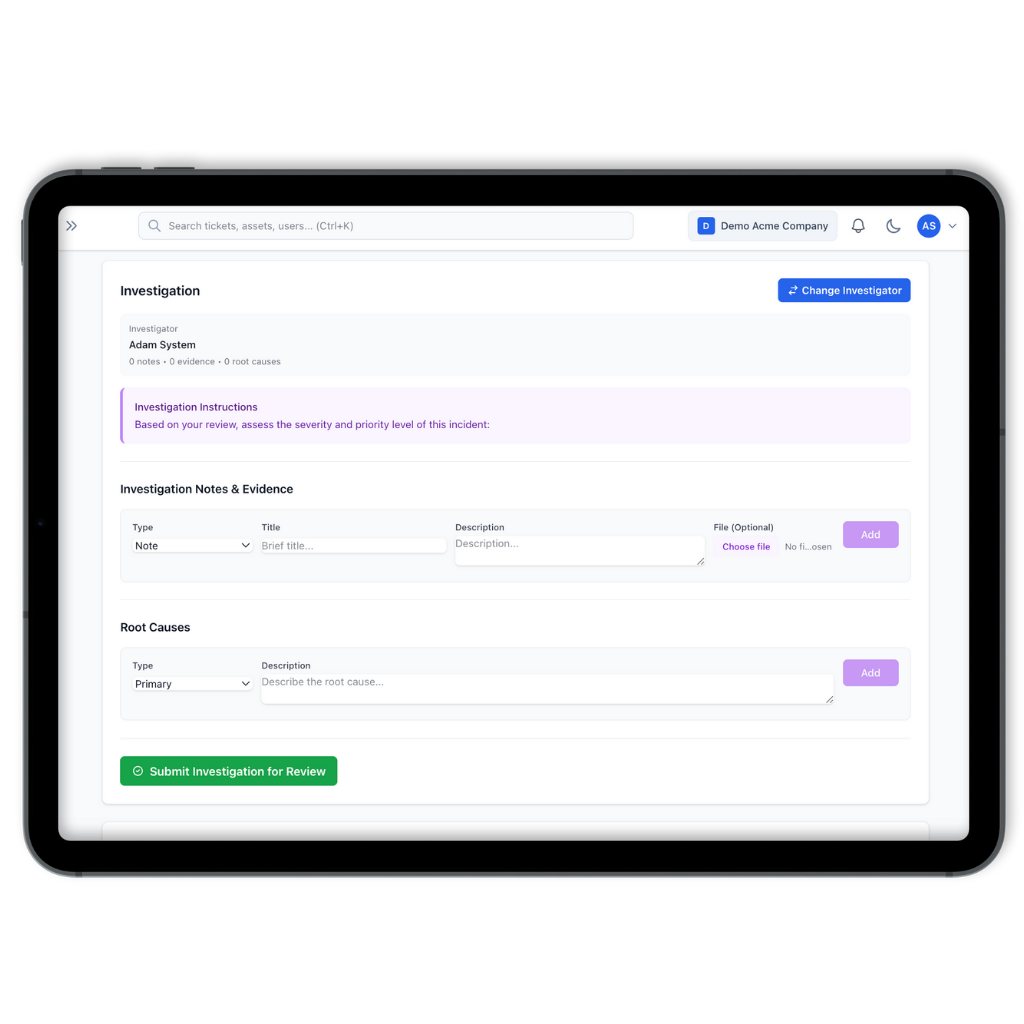
• Assign an owner for investigation
• Track progress with status updates
• Visibility into checks' status

How it works (3 steps)

Report the incident

Log details quickly from mobile or web with evidence and site context.

Investigate and assign actions

Add notes, assign an owner, and create corrective actions with due dates.

Track failures to closure

Close incidents with a full history, then review trends to prevent repeats.

Why Margin Resolve

Replace incomplete logs and email chains

When incidents live in paper forms, spreadsheets, or emails, details get missed and actions slip through cracks.

Margin Resolve helps you:
• standardise reporting so details are consistent
• capture evidence at the point of reporting
• assign ownership and due dates
• keep a complete audit trail automatically
• reduce repeat incidents by tracking corrective actions

FAQ

Can we report near-misses as well as incidents?

Yes. Many teams track near-misses to spot hazards early and prevent harm.

Yes. Photos, notes, and timestamps can be captured during reporting to keep context clear.

Yes. You can assign an owner and track corrective actions with due dates and updates.

Yes. If an incident requires a repair or technical fix, it can be handled through the relevant workflow so nothing gets lost.

Yes. You can export summaries and detailed records for compliance and stakeholder reporting.

Make incident reporting faster

This website uses cookies to improve your web experience.